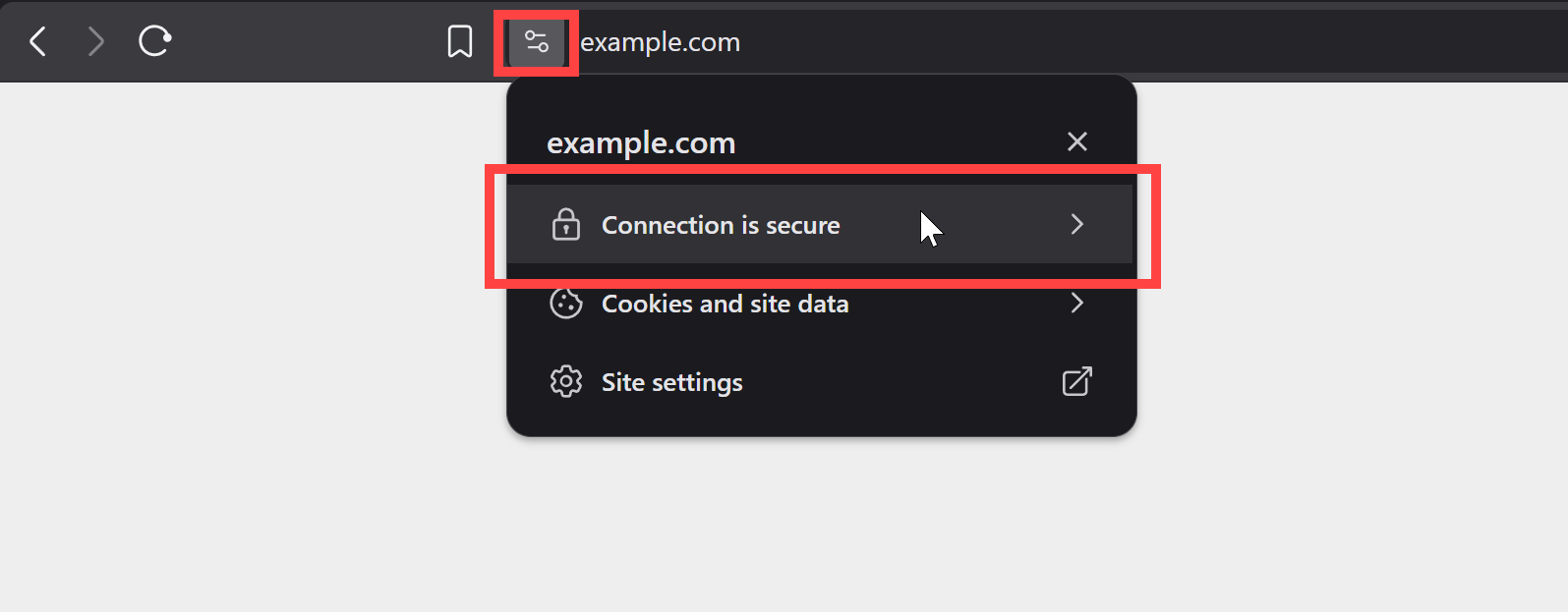
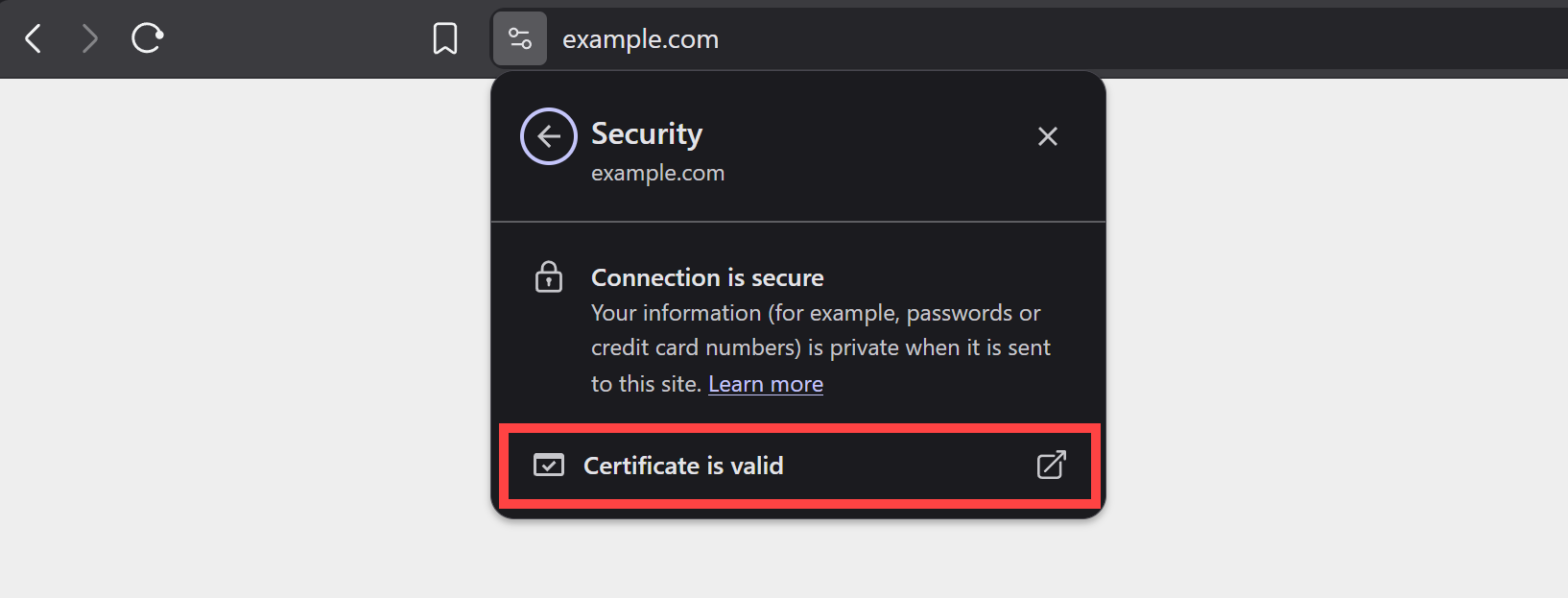
You can check the site's certificate by clicking on the slider icon (or lock icon depending on used browser) next to the site's URL.
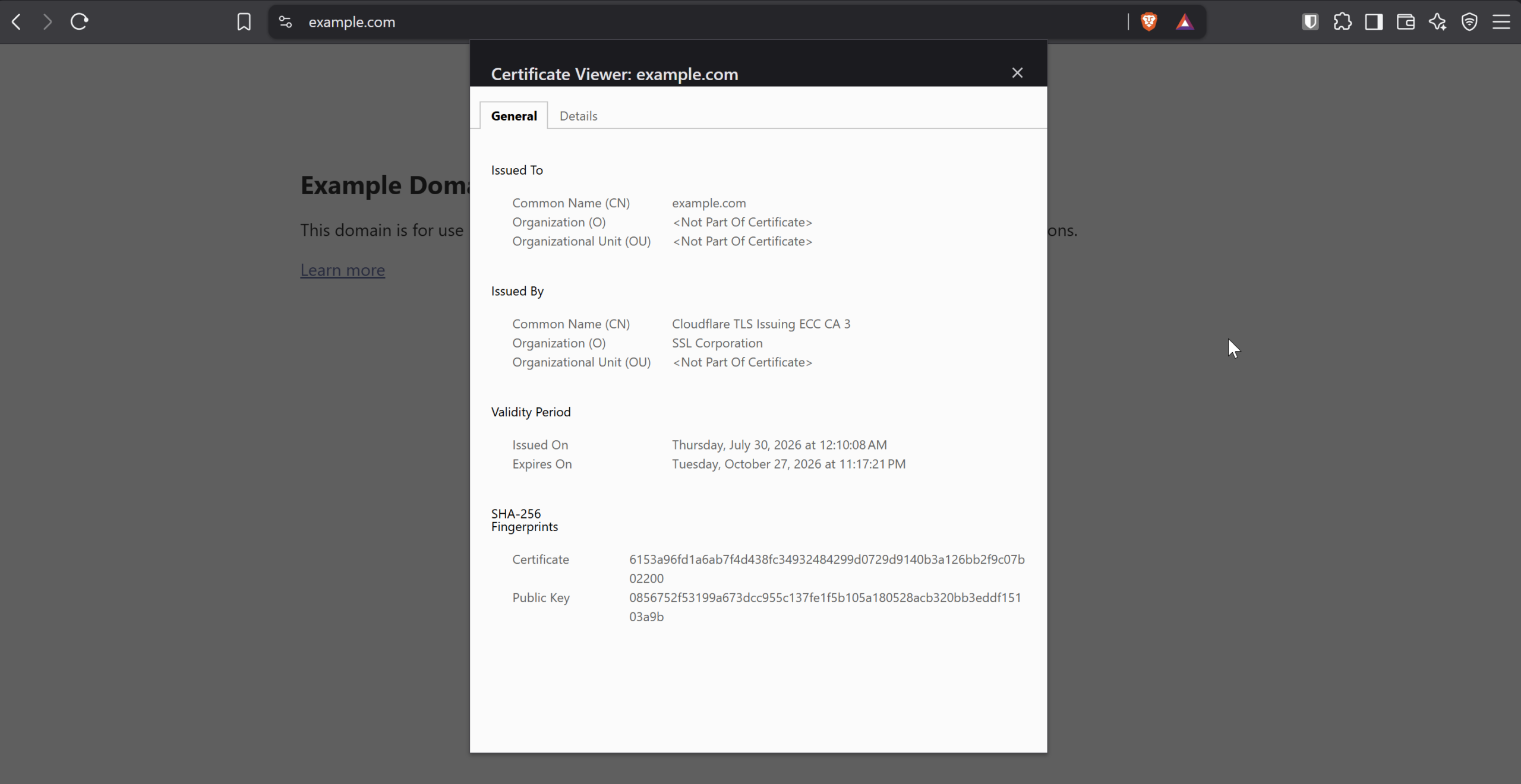
You can see the validity date and the authority that issued/verified the certificate. You can also view other details.
Signed email with certificate
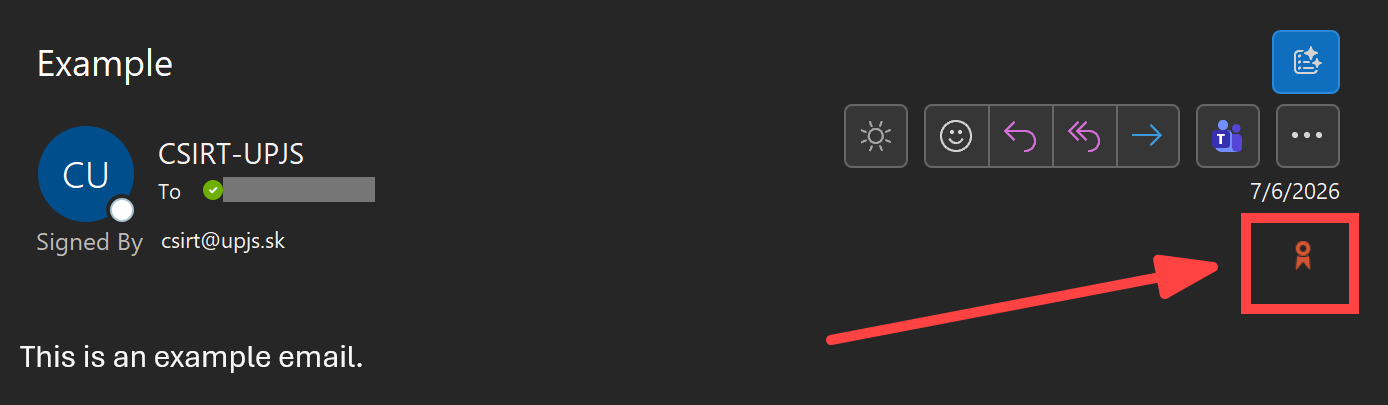
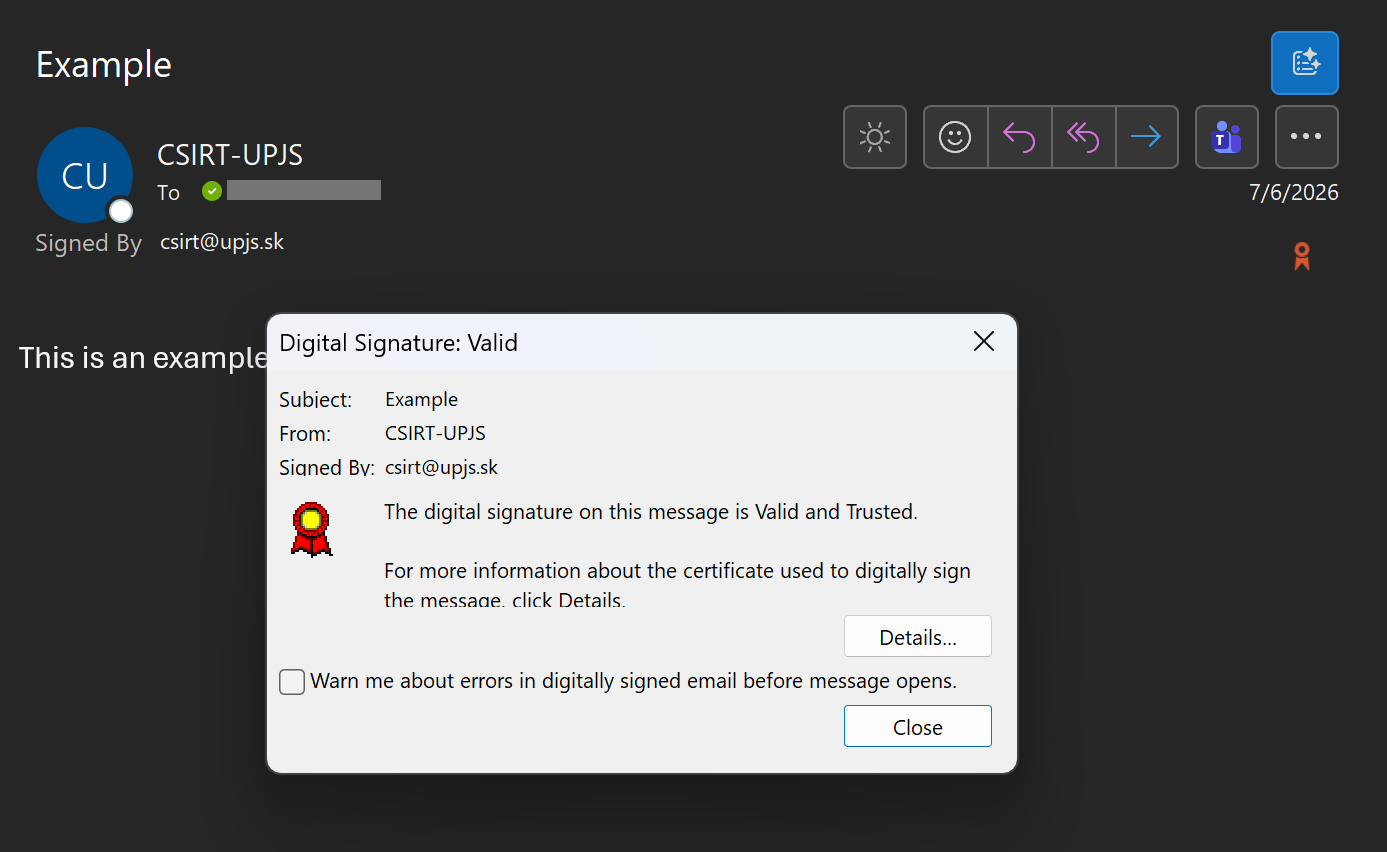
The fact that an email is signed is indicated by a ribbon icon next to the sender's name (or similar indication, on the email client).
In Outlook (classic), you can verify the certificate of the user who sent you a signed message by clicking the ribbon icon next to the subject, sender, and delivery time information. This icon may be missing in the web version and other versions of Outlook.