This information is usually available online and can vary depending on the manufacturer and specific model. iPhones, Google Pixels, and Samsung devices tend to be supported the longest (but you'll need to find your specific model). Keeping your software and apps up to date is key, as developers are constantly patching new vulnerabilities that could be exploited by hackers. Enabling automatic updates helps keep your device protected without the need for manual intervention.
Source: jcomp / Freepik
Biometric authentication
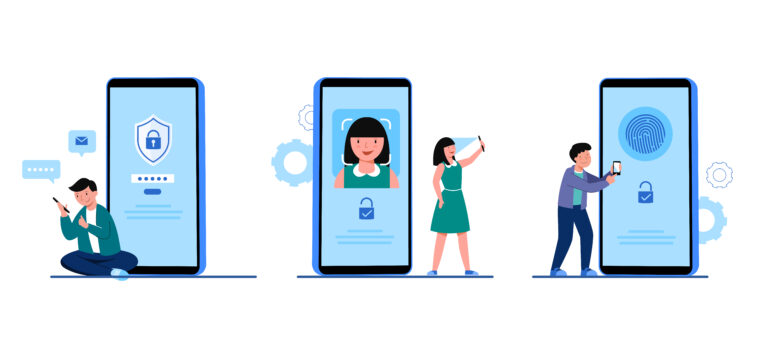
Biometric authentication, such as using fingerprints or facial recognition, provides a convenient way to secure devices, but not all methods are equally secure.
Biometric verification methods:
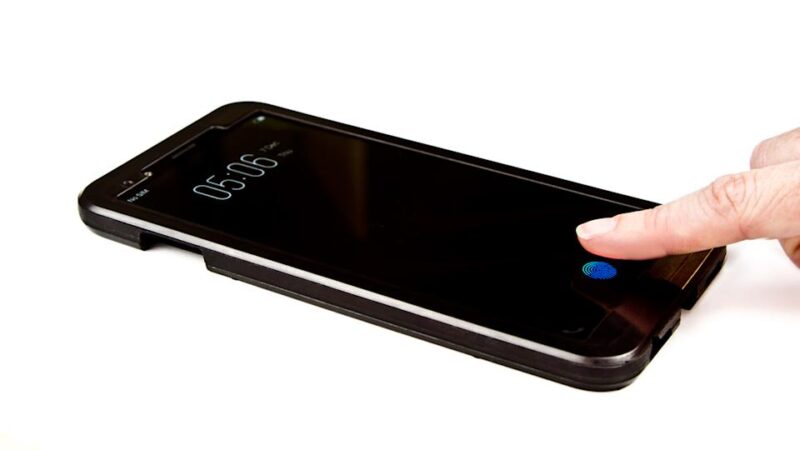
Optical (mainly those under the display) sensors:They use a camera that takes a photo of the fingerprint (If someone were to obtain a photo of this fingerprint, they would be able to bypass this verification).
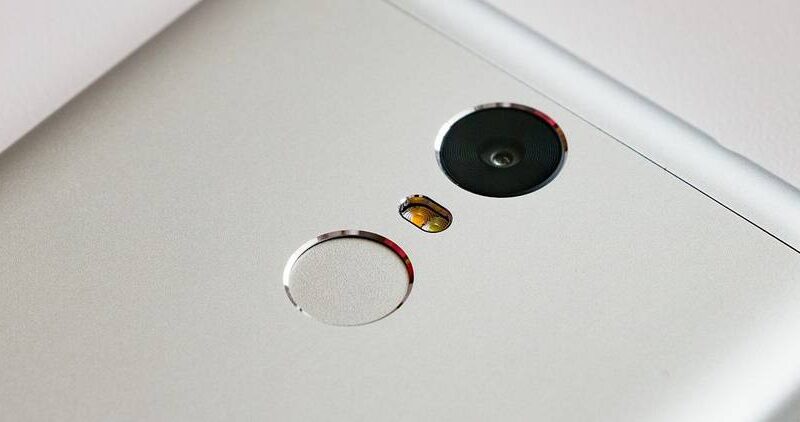
Capacitive sensors: They are more reliable because they do not record a photo, but work with changes in the electrical charge of the finger.
Ultrasonic sensors: They take into account multiple parameters, such as the depth and width of the finger.
Face unlock:Some phones only authenticate based on the camera, which can be bypassed with a photo, for example. iPhones use FaceID technology, which uses an infrared projector and a camera that takes photos of the face, or spatial scan. So they capture not only what the face looks like but also the depth of the face and its general features.